In this guide · 9 sections
- Why agencies are moving Meta leads onto WhatsApp
- Lead Ads vs Click-to-WhatsApp ads: which objective to run
- The 60-second rule: the first message decides the lead
- Qualify before the client’s sales team picks up the phone
- Route, assign and follow up without spreadsheets
- Send quality signals back to Meta with CAPI
- Running many clients from one panel
- What to put in the monthly client report
- Common mistakes we see in agency setups
Why agencies are moving Meta leads onto WhatsApp
Most performance agencies in India already know the pattern: the Meta campaign hits its cost-per-lead target, and the client still says the leads are bad. In most audits the leads are fine. The problem is the gap between form submit and first contact. A lead who filled a form at 9:40 pm and got a call at 11 am the next day has already spoken to two competitors.
WhatsApp closes that gap. The lead gets a message on the app they already have open, within seconds, from the business number they just interacted with. For agencies, that turns "lead quality" from an argument into something you can measure: reply rate, qualification rate and booked appointments per campaign.
Lead Ads vs Click-to-WhatsApp ads: which objective to run
There are two Meta formats that feed WhatsApp, and they suit different clients. Instant Form Lead Ads collect a name and phone number inside Facebook or Instagram; your automation then sends a WhatsApp template to that number. Click-to-WhatsApp (CTWA) ads open a chat directly, so the customer writes first.
CTWA has a pricing advantage worth explaining to clients. Per Meta’s current pricing documentation, when a user messages you from a Click-to-WhatsApp ad and you reply within the 24-hour customer service window, a free entry point window opens that can last up to 7 days, and messages you send in it, including templates, are not charged. A boosted post with a WhatsApp button but a non-message objective does not qualify.
- Lead Ads: best when the client needs a callable lead list, has a sales team that phones, or wants extra form questions (budget, city, course).
- Click-to-WhatsApp: best when the sale happens in chat (D2C, clinics, coaching enquiries) and the client can answer quickly.
- Run both for high-ticket clients: CTWA for warm intent, Lead Ads for volume, one shared pipeline for both.
The 60-second rule: the first message decides the lead
Set one non-negotiable target for every account you manage: the first WhatsApp message goes out within a minute of the lead arriving, day or night. That is only realistic with automation. Map each Meta form to a WhatsApp flow so the welcome template fires as soon as the lead is ingested, and log the time-to-first-message as a KPI in your client report.
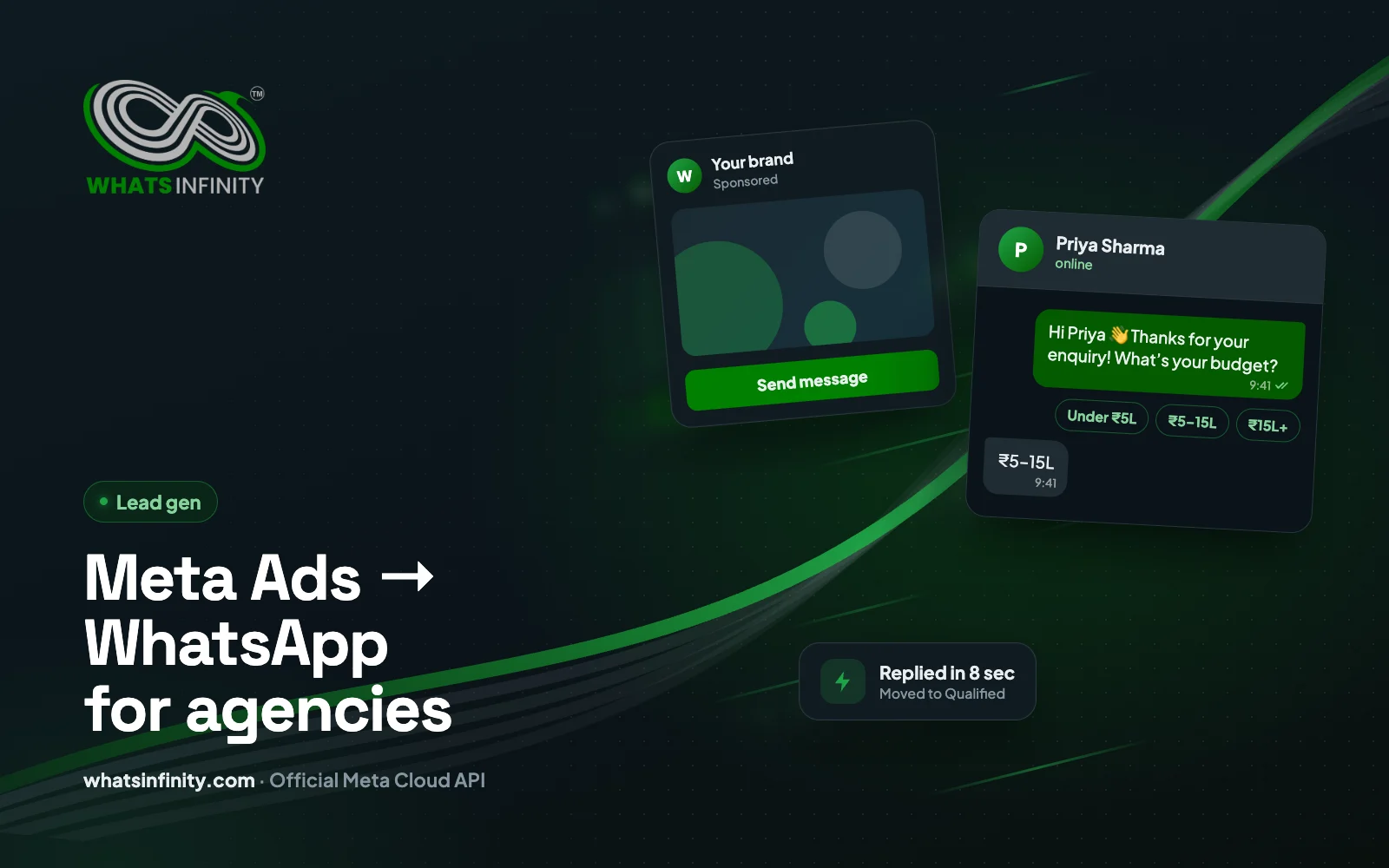
Keep the first template short and specific. Use the lead’s first name, confirm what they asked for, and end with one question that is easy to answer with a tap. Quick-reply buttons ("Book a call", "Send price list", "Not now") get far more replies than an open-ended "How can we help?".
Qualify before the client’s sales team picks up the phone
The real value an agency adds is not more leads; it is fewer wasted calls. A short WhatsApp qualification path, three or four questions, lets the client’s team call only the people who are ready. Ask for the decision you need, not everything you could know.
- Budget band as buttons (for example: under ₹5L / ₹5–15L / ₹15L+) rather than a free-text number.
- Timeline: this week, this month, just researching.
- Location or branch, so the lead routes to the right team member.
- One intent question specific to the niche: course batch, property type, treatment, order size.
Route, assign and follow up without spreadsheets
Once a lead is qualified, it should land in a pipeline stage and on a named person’s list, with a follow-up task and a due time. Spreadsheets exported from Ads Manager break this: nobody knows who called whom, and reminders live in someone’s head.
In WhatsInfinity™ a Meta form maps to a flow and a customer group, chatbot answers can set fields, tags and the pipeline stage, and staff see only the leads assigned to them. Follow-up tasks carry a contact type (call, WhatsApp, email), a required note and a reminder, and can sync to Google Calendar.
Send quality signals back to Meta with CAPI
Meta optimises for whatever event you give it. If the only event is "Lead", the algorithm learns to find people who fill forms, not people who buy. When pipeline stages are mapped to Conversions API events, a lead moving to "Qualified" or "Won" in the CRM is reported back to Meta, and the campaign can optimise toward those outcomes over time.
For agencies this is the strongest retention argument you have. Explain it to the client in one line: we are teaching Meta what a good customer looks like for your business. Our guide on Meta conversion leads and CRM CAPI (Meta Conversion Leads + CRM CAPI: From Instant Forms to Pipeline Events) covers the event mapping step by step.
Running many clients from one panel
The operational problem agencies hit at five or more clients is access. Each client has its own WhatsApp number, Facebook Pages, templates and staff. Logging in and out of separate accounts does not scale, and sharing client passwords is a security risk.
A multi-tenant setup solves it: the agency onboards clients through invite links, each client keeps a separate workspace and data, and the agency manages them from one panel. Page access is locked per client, so one client’s lead forms can never appear in another’s account. See WhatsInfinity for agencies for how this works in WhatsInfinity™.
What to put in the monthly client report
- Leads by campaign and form, with cost per lead from Ads Manager.
- Median time to first WhatsApp message (target: under 60 seconds).
- WhatsApp reply rate and qualification rate by campaign.
- Leads moved to each pipeline stage, and won deals where the client tracks them.
- Template delivery and read rates, plus any template rejections or quality flags.
- One recommendation for next month, tied to the numbers above.
Common mistakes we see in agency setups
- Sending a marketing template as the first message when a utility-style confirmation would do; it costs more and reads like spam.
- Asking six questions in a row. Keep qualification to three or four taps.
- No opt-in wording on the Lead Ad form, which creates DPDP and WhatsApp policy risk later (see DPDP Act & WhatsApp Marketing India: Consent, Purpose, Retention).
- One shared login for the whole client sales team, so no one is accountable for follow-ups.
- Optimising campaigns on cost per lead alone when CRM stage data is available.
Frequently asked questions
What are the best practices for Meta Ads WhatsApp lead generation for agencies in 2026?
Reply on WhatsApp within 60 seconds, qualify with three or four button questions, assign every qualified lead to a named person with a follow-up task, send pipeline stages back to Meta through CAPI, and report reply and qualification rates, not only cost per lead.
Should agencies run Lead Ads or Click-to-WhatsApp ads?
Lead Ads suit clients whose team phones leads or who need extra form fields. Click-to-WhatsApp ads suit clients who sell in chat and can reply fast. Many agencies run both and send them into one pipeline.
Are WhatsApp messages free after a Click-to-WhatsApp ad?
Per Meta’s pricing documentation, if a user messages you from a Click-to-WhatsApp ad and you reply within 24 hours, a free entry point window opens for up to 7 days in which your messages are not charged. Boosted posts with a non-message objective do not qualify.
Can one agency manage many client WhatsApp accounts?
Yes. WhatsInfinity™ is multi-tenant: agencies onboard clients through invite links and manage separate client workspaces, numbers and Facebook Pages from one panel without sharing client passwords.
How fast should a Meta lead get a WhatsApp message?
Aim for under one minute, 24 hours a day. Contact speed is the biggest factor agencies control after targeting, and it is only realistic when the form is mapped to an automatic WhatsApp flow.
Share