WhatsApp for Gaming Cafés & Game Sellers in India (2026)
A blockbuster game launch floods your DMs. How Indian gaming cafés, console and PC-game sellers take pre-orders, slot bookings and launch-day sales on WhatsApp.
 Jaimik Patel, Founder of WhatsInfinityPublished . Updated
In this guide7 sections
- A blockbuster launch is a demand spike — catch it on WhatsApp
- Build a pre-order waitlist before launch day
- Take café slot bookings on WhatsApp — and cut no-shows
- Launch day: tell 2,000 people stock arrived in one tap
- Automate the three questions you answer 50 times a day
- Keep your number safe: opt-in and WhatsApp’s rules
- Set it up this week
A blockbuster launch is a demand spike — catch it on WhatsApp
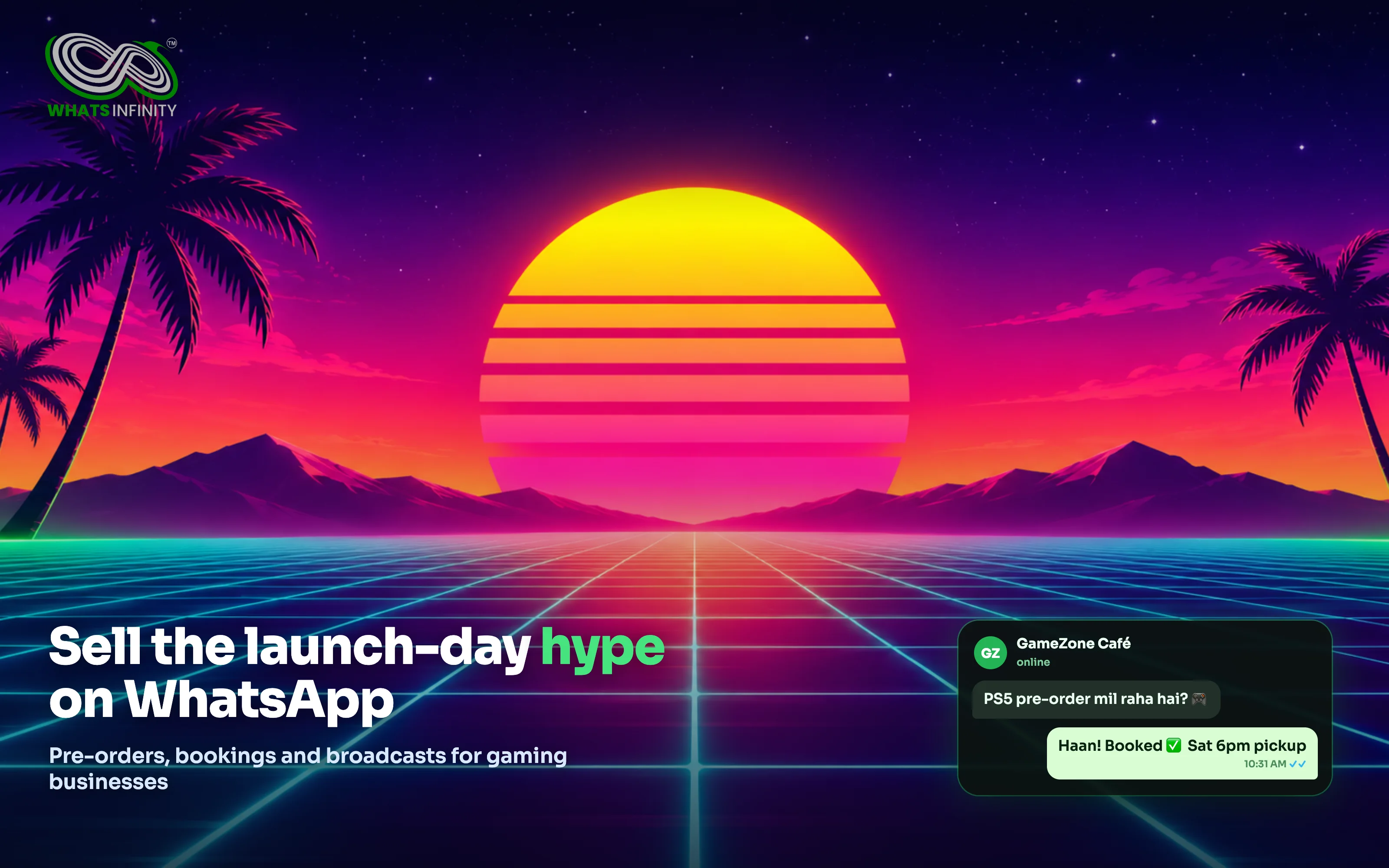
Every few years one game launch takes over every feed — right now it is the wait for GTA 6. You cannot sell the game itself, but the hype sends a wave of buyers to gaming cafés, console and PC shops, and accessory sellers across India: “PS5 available hai?”, “pre-order le rahe ho?”, “midnight launch pe slot milega?”
In India those questions land on WhatsApp, not email. If you answer from a personal phone, you lose track, miss follow-ups, and cannot message everyone when stock lands. On the official WhatsApp Business API you can collect every lead, take bookings, and blast a launch-day update to thousands — without risking a ban. Here is the playbook.
Build a pre-order waitlist before launch day
The money is made before the game drops. Start a waitlist now so launch day is just one broadcast.
- Collect opt-ins everywhere: a Click-to-WhatsApp ad, a QR code at the counter, and a “Notify me” button on your page — each one starts a WhatsApp chat and saves the contact.
- Tag each person by what they want (PS5 disc, PC key, pre-order vs walk-in) so you can message the right group later.
- When stock lands, send one broadcast to the waitlist with the price and how to pay. See the WhatsApp broadcast tool for how approved-template broadcasts work.
Take café slot bookings on WhatsApp — and cut no-shows
Gaming cafés live and die by seat utilisation on busy nights. Let customers book a station or a launch-night slot in chat, confirm instantly, and send a reminder a few hours before.
- A short booking flow captures name, slot and number of seats, then replies with a confirmation — no app, no phone call.
- An automatic reminder before the slot cuts no-shows, so you are not holding empty stations on your biggest night.
- Every booking becomes a saved contact you can re-market to for the next tournament or release.
Launch day: tell 2,000 people stock arrived in one tap
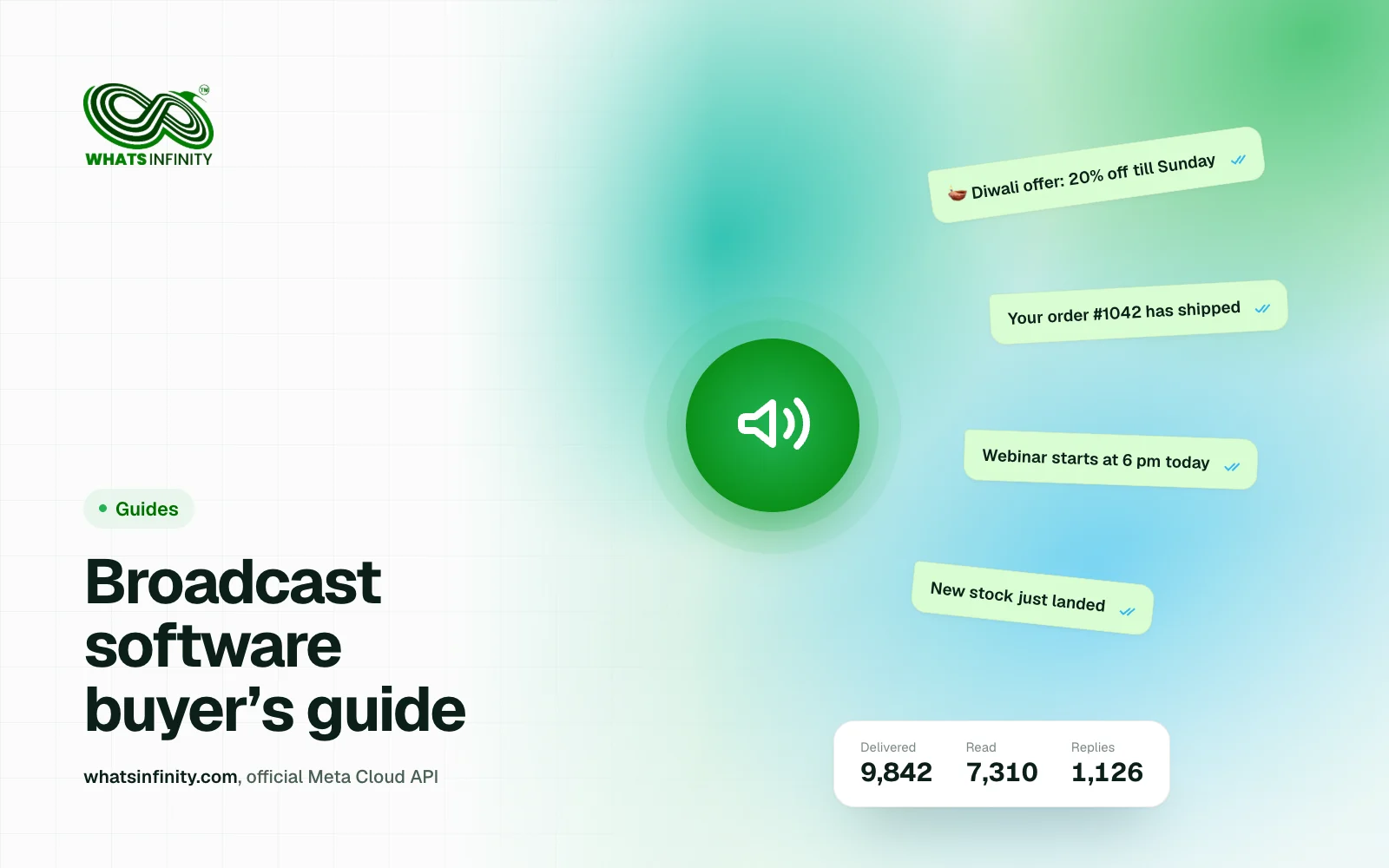
On release day, speed wins. A broadcast on the official API reaches every opted-in customer at once, with approved wording Meta has already cleared, and shows you who received, read and replied.
- Segment the blast: disc buyers, digital-key buyers, café regulars — each gets the message that fits.
- Watch delivered and read counts live, and follow up only with the people who did not respond.
- Keep the first message useful (price, stock, pickup time), not just “we are open” — that protects your number’s quality rating.
Automate the three questions you answer 50 times a day
Price, availability and timings make up most of your chats. An auto-reply or a simple flow answers them in seconds, day or night, and only hands over to a human when the buyer is ready to pay. Your staff stop copy-pasting and start closing.
Keep your number safe: opt-in and WhatsApp’s rules
Cheap “bulk WhatsApp” tools that blast unsaved numbers get banned fast — exactly when you need your number most. The official API is the safe route: message people who opted in, use the right template category, and give an easy way to stop. The full checklist is on our WhatsApp compliance page.
Set it up this week
You do not need a developer. Connect your WhatsApp number, import or collect contacts, and set up one pre-order template and one booking flow — most shops are live in a day.
- Start on the FREE plan to capture leads, then move to a paid plan when you broadcast — compare limits on WhatsInfinity pricing.
- Run a Click-to-WhatsApp ad targeting gamers in your city to fill the waitlist before launch.
- Managing several stores or clients? Run them all from one panel — see WhatsInfinity for agencies.
Frequently asked questions
Can a gaming café really take bookings on WhatsApp?
Yes. A short booking flow collects the slot and seats, confirms instantly and sends a reminder before the slot — no separate app for you or the customer. Every booking is saved as a contact you can re-market to.
How do I collect pre-orders before a game launches?
Build a waitlist: a Click-to-WhatsApp ad, a counter QR code and a “Notify me” button all start a WhatsApp chat and save the contact. Tag people by product, then broadcast to the waitlist the moment stock lands.
What does it cost to message my customers?
Two layers: a platform plan (WhatsInfinity is free to start, paid from ₹999/month) and Meta’s per-message fee — about ₹0.115 for utility/booking updates and ₹0.86 for marketing messages in India. Customers’ replies to you are free. See WhatsInfinity pricing for plan limits.
Will bulk WhatsApp get my number banned?
Unofficial bulk senders do get banned. The official WhatsApp Business API does not, as long as you message opted-in contacts with approved templates and let people opt out. That is how WhatsInfinity sends every broadcast.