In this guide · 1 sections
The agency problem
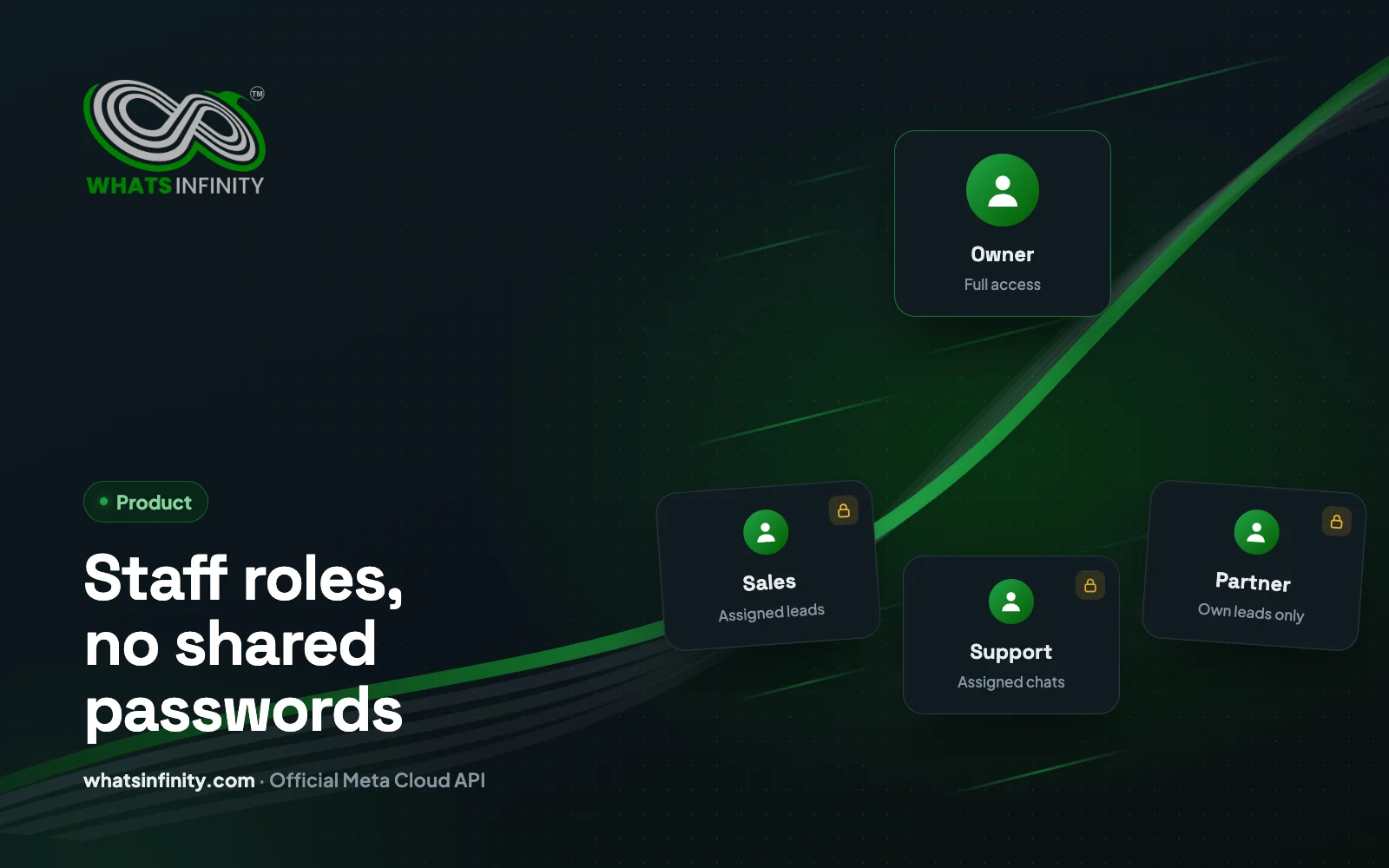
Sharing one client login with five salespeople is a security nightmare. WhatsInfinity staff roles let each person see only assigned leads, add notes, and move pipeline stages — without access to WhatsApp tokens or plan billing.
Staff can sign in with Google for faster onboarding. Activity attribution shows who moved a deal and when — critical when commissions are on the line.
Frequently asked questions
Can staff see every lead in the account?
No — staff roles in WhatsInfinity™ limit visibility to assigned leads so counsellors and field reps cannot browse the full client list or export unrelated contacts.
What can owners keep locked from staff?
Owners retain billing, plan limits, WhatsApp token settings, and tenant-wide configuration. Staff move assigned deals, add notes, and complete follow-ups without sharing one password.
Does Google login work for staff onboarding?
Yes — staff can sign in with Google for faster invites instead of sharing owner credentials, which reduces lockouts and audit gaps on commission disputes.
How does assignment help agencies?
Agencies impersonate client setup, then assign leads to client sales teams per tenant. Activity history shows who changed a stage — critical when multiple reps work one Lead Ad campaign.
Is staff access enough for compliance?
Role separation supports least-privilege access described in /privacy practices, but you still need opt-in records and template policy compliance on every outbound send.
Share