WhatsApp Message Templates Guide: Categories & Approval
How WhatsApp message templates work in India: utility, marketing and authentication categories, why Meta rejects templates, and how to get approved faster.
 Jaimik Patel, Founder of WhatsInfinityPublished . Updated
In this guide8 sections
What a message template is
A template is a pre-approved message you can use to start a conversation with a customer on the WhatsApp Business Platform. You need one whenever you message a customer outside the 24-hour window that opens after they last wrote to you. Inside the window you can reply freely.
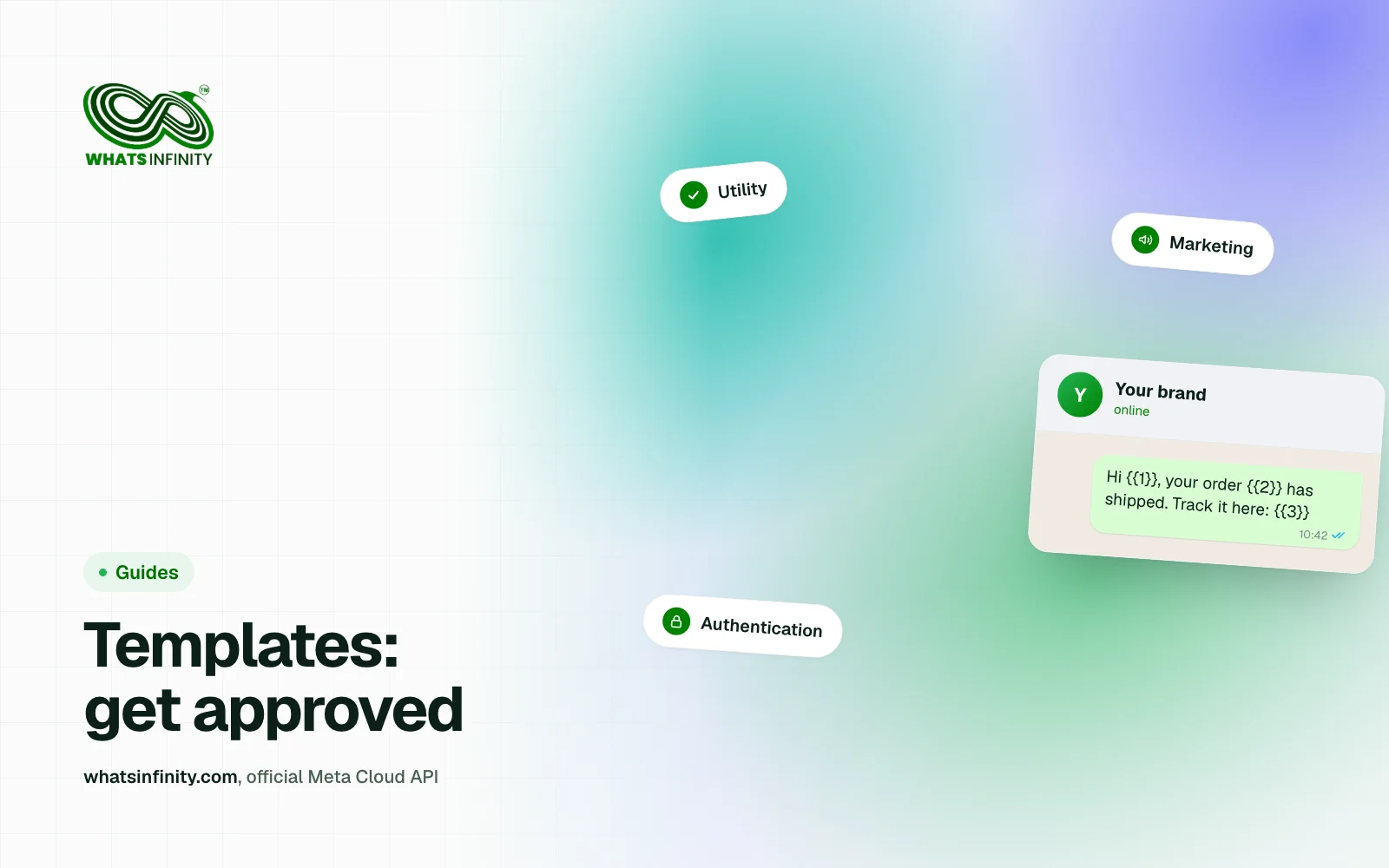
The three categories
A useful test for the first two: would this message exist if the customer had not done anything? If not, Meta is likely to treat it as marketing.
- Utility: transactional messages tied to something the customer already did, such as an order update, an appointment confirmation or a payment receipt.
- Marketing: promotions, offers, product announcements and re-engagement messages.
- Authentication: one-time passcodes and login codes only, in the format Meta requires.
Why templates get rejected or re-categorised
Repeatedly submitting promotional content as utility can also affect your ability to submit new templates, so category honesty matters beyond a single approval.
- Mis-categorisation: promotional content submitted as utility is the most common problem.
- Offers inside a utility template: discount codes, upsells and cross-sells push it into marketing.
- Authentication templates that add extra text, media or emojis beyond the required format.
- Vague variables, such as a body that is nothing but {{1}}, which reviewers cannot evaluate.
- Policy issues: misleading claims, prohibited content or missing opt-out context for marketing.
How to write a template that gets approved
- Make the purpose obvious in the first line.
- Use variables for personal details such as the name, order number or date, and provide realistic sample values.
- Keep one message to one purpose.
- Add a clear opt-out line to marketing templates.
- Pick the category that matches the message, even if marketing costs more.
Examples to adapt
Utility: "Hi {{1}}, your order {{2}} has been shipped and should reach you by {{3}}. Track it here: {{4}}"
Utility: "Hi {{1}}, your appointment with {{2}} is confirmed for {{3}} at {{4}}. Reply to reschedule."
Marketing: "Hi {{1}}, our festive sale is live until {{2}}. Tap below to browse. Reply STOP to opt out."
Approval time and what to do while you wait
Utility and authentication templates are often reviewed quickly, while marketing templates can take longer, particularly during busy sale periods. Submit templates well before a campaign and keep a backup version ready.
In WhatsInfinity™ you can create and submit templates from the dashboard and sync their status back from Meta, so you can see which are approved before you schedule a broadcast.
Costs depend on category
Meta bills template messages by category and destination country, and the rates change from time to time. Check Meta's current rate card rather than relying on a figure in an article; our summary of the latest changes is in WhatsApp API Pricing Changes Oct 2026: What India Pays.
Frequently asked questions
What are the WhatsApp template categories?
Utility, marketing and authentication. Utility covers transactional updates, marketing covers promotions and re-engagement, and authentication covers one-time passcodes.
Why was my WhatsApp template rejected?
Common reasons are the wrong category, promotional content in a utility template, extra content in an authentication template, vague variables, or a policy violation. Fix the category and wording, then resubmit.
Do I need a template to reply to a customer?
Not inside the 24-hour window after the customer's last message. Outside that window you need an approved template to start the conversation.
How long does template approval take?
It varies. Utility and authentication templates are often approved quickly, and marketing templates can take longer. Submit early and avoid last-minute campaigns.